How incoming calls reach you — Pacten Guides
When someone rings your workspace number, Pacten tries to put a real person on the call before it falls back to your recorded greeting. This guide covers exactly what happens in those first twenty seconds, and what has to be switched on for the call to reach you.
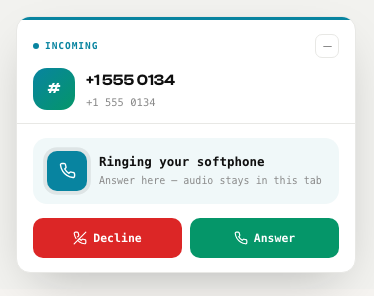
A panel opens showing the caller’s number, with Answer and Decline.
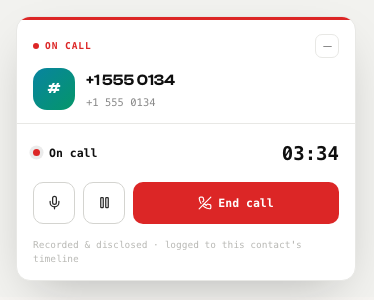
Answer, and it becomes your live call panel — a timer, mute, hold, and End call. You can keep working while you talk; move between pages and the call stays connected.
When the call ends, a wrap-up card appears with the outcome, a note and the person’s stage.
Everyone who has switched inbound calls on is rung, all at once. In Account Settings → Calling there is a separate option to receive incoming calls; until you turn it on, you can still call out normally, but inbound calls will not ring you.
- Choosing a calling mode is not enough on its own — the inbound switch is separate, and off by default.
- Your role does not matter. An admin, manager or collaborator who has switched it on rings exactly like an owner does.
- Because everyone rings at the same time, the twenty seconds is twenty seconds each — it is not divided between you.
- If a very large number of people have it on, Pacten rings the first ten, preferring softphones.
Ask a colleague to ring your workspace number while you watch the screen. If nothing appears within twenty seconds, check that receiving incoming calls is switched on for you — that switch, not your role, is what decides whether you ring.
Every call still lands in Comms → Call Log with the caller’s number, plus any voicemail, recorded and written up — so a missed call is never lost, only late.